
 bizfair
Beyond Google: Why Professional Firms Should Set Up Bing Places and Apple Business Connect
An accounting firm in Seattle spent years polishing its Google Business Profile. Then a client mentions that Apple Maps sent her to the firm’s old office. The partners realize they have never checked how the firm appears outside Google.
Many customers use iPhones, Windows computers, and in-car systems that rely on data from Apple and Microsoft. Setting up those profiles takes little time and helps customers who never open Google Maps.
Where Bing and Apple Data Shows Up
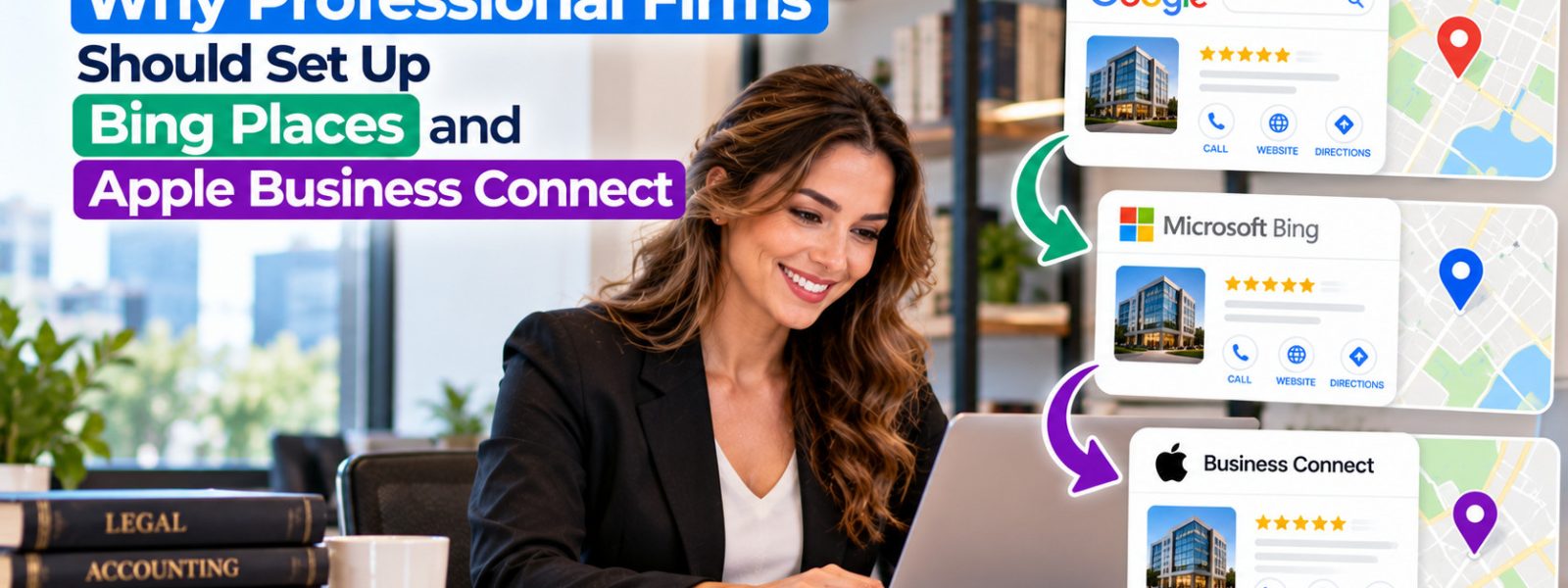
Bing Places for Business controls how your company appears in Bing search and Bing Maps. Microsoft products, including Windows search and some AI features in Copilot, can draw on Bing data. Apple Business Connect controls your information in Apple Maps, Siri, Spotlight search, and other Apple apps.
For professional firms, that matters. A prospective client searching on a work laptop or asking Siri for directions should find the same accurate details as someone using Google. Customers often do not notice which map app opens when they tap an address, so all of them need to be right.
Setting Up Bing Places
Bing Places lets you import your business information from Google Business Profile, which saves time if your Google profile is accurate. You can also create a listing manually. After importing, review every field, including categories, hours, and your website link, and verify the listing.
Add photos and a short description. If you manage several offices, Bing supports bulk management for multiple locations. Recheck the listing whenever you change your Google profile, since imports do not always keep the two in sync.
Setting Up Apple Business Connect
Sign in to Apple Business Connect with an Apple Account, search for your business, and claim it or add it if it is missing. Apple will ask you to verify that you represent the business. Then update your hours, phone, website, and categories, and add photos and action links such as booking or contact.
Apple also offers Showcases for highlighting timely updates. Once both platforms are set, add them to your listing review schedule. Firms listed in the Business and Investment category on Biz Fair should review that listing in the same session, so Google, Bing, Apple, and Biz Fair all show matching details.
Cover the Maps Your Clients Actually Use
Customers find businesses through more than one map. Set up Bing Places, using the Google import if your profile is accurate, and claim your Apple Business Connect listing. Then review all your profiles together, including directories like Biz Fair, so every platform shows the same correct information.
Frequently asked questions
Yes. Bing Places for Business is free to use. You can create a new listing, claim an existing one, or import your information from Google Business Profile. Verification may be required before your changes appear publicly in Bing search and maps.
Yes. Apple Business Connect is free for businesses. It lets you claim your place card, update details like hours and photos, and add action links. Apple requires verification to confirm you are authorized to manage the business. Verification usually takes a few days.
Siri relies heavily on Apple's own map data rather than Google Business Profile. That is why claiming and updating your Apple Business Connect listing matters. If your Apple information is outdated, Siri may give customers wrong hours or directions. Check your Apple listing after every change.
Update them whenever your hours, address, phone number, or services change, ideally on the same day you update Google. Review them at least twice a year even without changes. Seasonal and holiday hours deserve special attention, since customers rely on them most.
Keep reading