
 bizfair
How Entertainment Venues Can Answer the Questions People Ask Their Phones
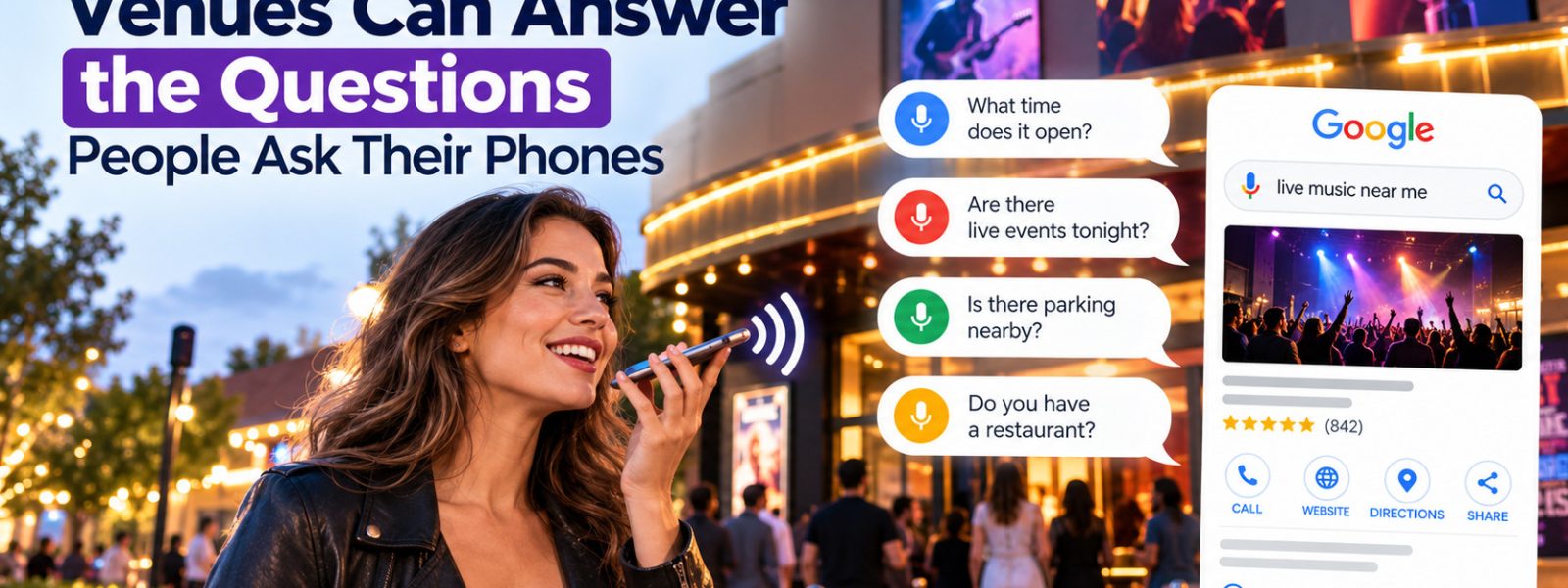
A family visiting Nashville is driving back to the hotel when one of the kids asks for something fun to do tonight. The parent asks a phone assistant for family-friendly activities open late nearby. The assistant reads out a couple of options with their hours. A venue with missing hours never comes up in the conversation.
Voice searches tend to sound like questions people would ask a friend. Venues that answer those questions clearly online are easier for voice assistants to describe.
How Voice Searches Differ From Typed Searches
Typed searches are often short, like “escape room Nashville.” Voice searches tend to be longer and more conversational, such as “Is there an escape room open late near me that takes groups of eight?” People usually want one quick answer and an action, like directions or a phone call.
Voice assistants rely on business data from their own platforms. Google Assistant and Gemini draw on Google’s information, while Siri relies heavily on Apple Maps data. Accurate profiles on Google and Apple give these assistants correct details to read aloud.
Answer the Questions People Actually Ask
Think about the questions guests ask your staff. How late are you open? Can kids play? Do we need a reservation? Is there parking? How long does a game or show last? Answer each one in plain language on your website, using the same wording customers use.
An FAQ page works well for this. Start each answer with a direct sentence, like “Most of our escape rooms take groups of two to eight players and last 60 minutes.” Short, clear answers are easier for search engines and assistants to understand and repeat. Keep the page updated as policies change, such as new age limits or booking rules.
Keep Hours and Details Consistent Everywhere
Entertainment venues often change hours for seasons, holidays, and private events. Update Google Business Profile and Apple Business Connect every time, since those platforms feed the most common assistants. Fill in attributes such as kid-friendly, wheelchair accessible, or reservations required.
Directory listings give people another way to confirm details. Venues listed in the Arts Gallery and Entertainment category on Biz Fair should keep hours, age policies, and booking links current there. A consistent Biz Fair profile helps visitors who double-check details before heading over.
Make Your Venue Easy to Talk About
Voice searches reward venues that answer conversational questions directly. Keep your Google and Apple profiles accurate, write plain-language answers to the questions guests ask, and update hours whenever they change. Consistent details on your website and directories like Biz Fair help every platform describe your venue correctly.
Frequently asked questions
Google Assistant and Gemini rely on Google's business data, and Siri draws heavily on Apple Maps. Amazon's Alexa uses its own data sources. Keeping your Google Business Profile and Apple Business Connect listing accurate covers the platforms most people use for local voice searches.
No special format is required. Clear, conversational answers to common questions help both voice and typed searches. An FAQ page that answers questions about hours, prices, age limits, and booking in plain language serves visitors and gives assistants accurate information.
Apple Business Connect is a free tool that lets businesses claim and manage how their information appears in Apple Maps, Siri, and other Apple apps. You can update hours, photos, and actions like booking links. Many iPhone users see this information when they search.
Use available attributes, such as good for kids, on your Google profile. Mention age policies, kid pricing, and family packages on your website and listings. Photos of families enjoying your venue, shared with permission, also help parents decide quickly. Keep those details current.
Keep reading