

 bizfair
How Event Venues and Planners Can Update Their Online Presence After a Rebrand
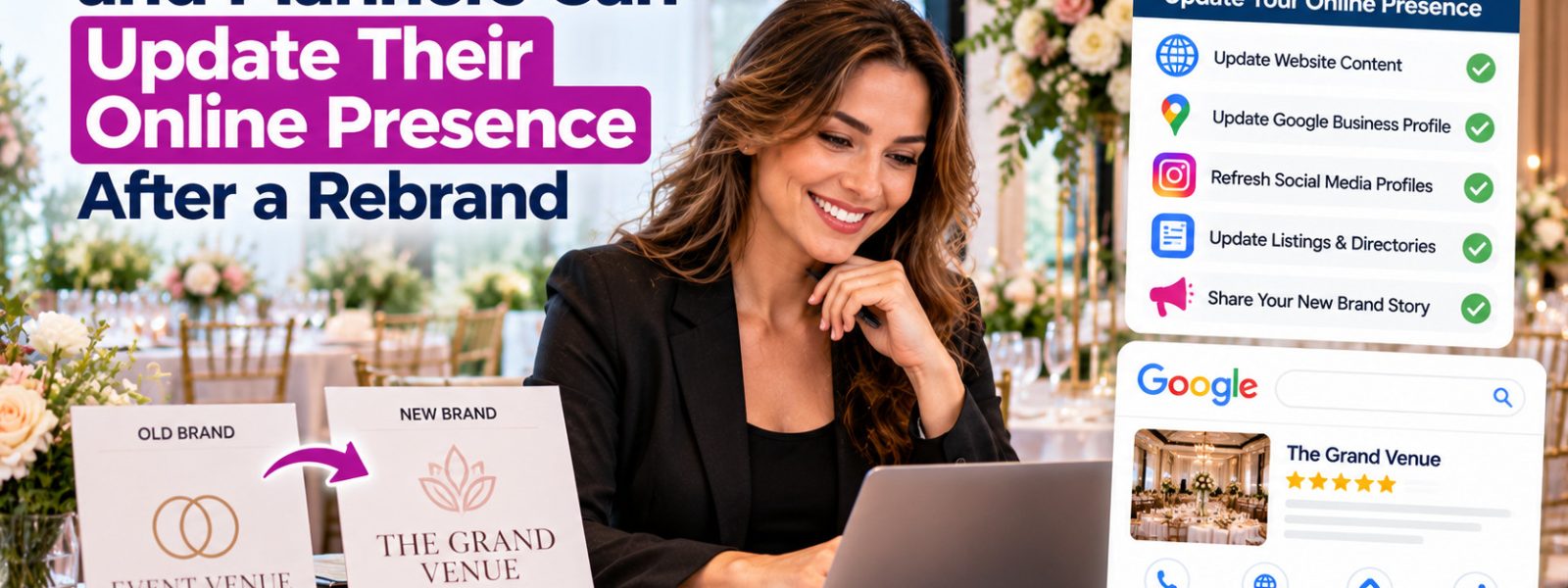
An event venue in Asheville changes its name after new owners buy the property. They hang a new sign and launch a new website. Months later, couples searching the new name find little, while the old name still shows up on maps, directories, and dozens of wedding blog posts.
Rebrands are exciting, but they create real confusion online. A careful update plan helps clients find you under the new name while keeping the reviews and recognition you already earned.
Plan the Change Before Announcing It
Make the name change official first. Update your legal registration, signage, and business documents, since Google and other platforms may ask for proof. Google’s guidelines say your profile name should match your real-world name as shown on signage and stationery.
List every place your old name appears: Google, Bing, Apple, social profiles, directories, vendor pages, and event platforms. Decide what happens to your old website domain. In most cases, you should redirect old pages to the matching new pages with 301 redirects so visitors and links reach the right place.
Update Profiles Without Starting Over
Edit the name on your existing Google Business Profile instead of creating a new one, so you keep your reviews and history. Google may ask you to verify the business again after a name change. Update Bing and Apple the same day. Change your social profile names and usernames where possible, and add a note like “formerly Riverside Hall” for a while.
Mentioning the old name temporarily on your website and profiles helps past clients and referral partners connect the two. Keep that note in your about section or description, not in your official business name field.
Tell Partners and Clean Up Listings
Contact vendors, planners, and venues that list or recommend you, and ask them to update your name and link. Send a short announcement to past clients. Search for your old name every few weeks to find listings and mentions you missed.
Event businesses listed in the Events category on Biz Fair should update their name, logo, and description there as part of the cleanup. A Biz Fair listing that shows the new name, with a brief mention of the former one, helps couples and event planners confirm they have found the same business.
Change the Name, Keep the Reputation
A rebrand goes smoothly online when you update existing profiles instead of creating new ones. Make the change official, redirect your old website, edit Google, Bing, and Apple at once, and ask partners to update their references. Include directories like Biz Fair in your cleanup so clients find your new name everywhere.
Frequently asked questions
Not if you edit the name on your existing profile. Your reviews stay attached to that profile. Creating a new profile under the new name would start you with zero reviews and could create a duplicate listing. Google may ask you to verify the business again.
No. The profile name should match your real-world business name. You can mention the former name in your description, website, and social bios for a while, such as "formerly Riverside Hall," so past clients recognize you. Remove the note after a year or so.
A 301 redirect permanently sends visitors and search engines from an old URL to a new one. When you change domains during a rebrand, redirecting each old page to its matching new page helps preserve traffic and avoids broken links from other sites.
Your main profiles may update within days, though verification can add time. Directories, data aggregators, and third-party sites can take weeks or months. Keep a list of where you submitted changes, and search your old name regularly to catch listings that still need updates.
Keep reading